tokariew wrote:but you can just edit a ini file, to get larger font.
and i think there is option in client to cycle font.
under client option, hit c, and you have bigger fonts.
client option on my keyboard is under = key
With the biggest option you will not have enough space on FullHD monitor!!
The biggest option under:
http://i.imgur.com/XHJBGIM.png
Thanks for a reply!
I'm sorry if I'm too sharp with it, but this problem drunk so much blood from me

So...
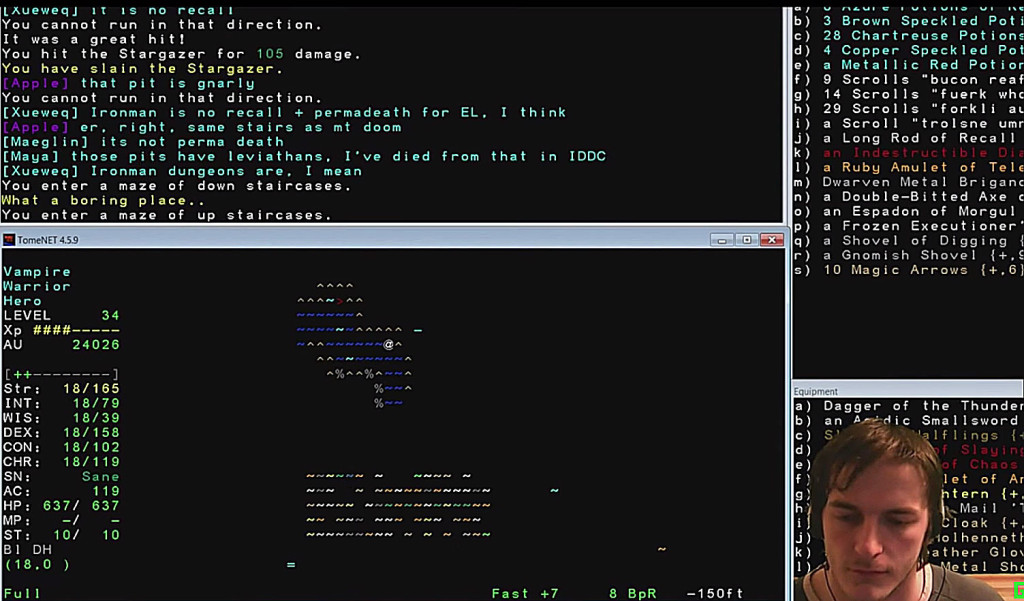
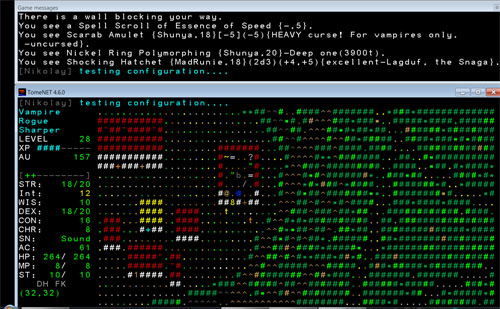
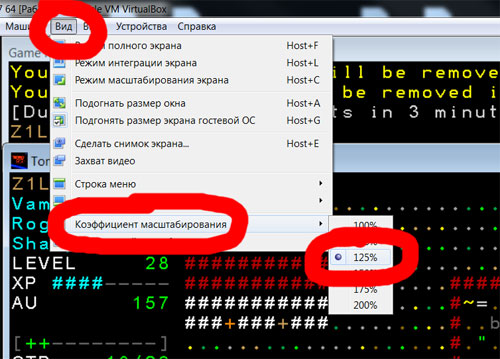
Of course I know about fonts (I using biggest 16X24X.FON) and I know about cycling font, options and TomeNET.ini file - it doesn't help because of limited windows size (look at first screenshot). So the only way to have only "game messages" and "game window" with good size - to view it via VirtualBox scaling.
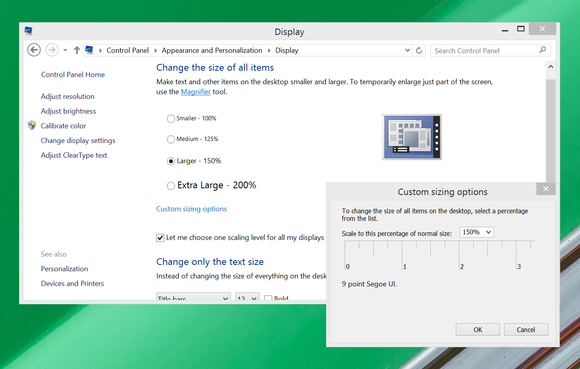
Sorry, but screen which you posted - not really good example. I can do such thing myself, but its useless. You cant play without "game messages". Problem there -
width of window, not height. Width of window is limited and it has only 1/2 or 2/3 of screen at my 1680x1050 resolution (look at first screenshot).
Max columns is 80 (check TomeNET.ini). Thats root of evil..
p.s.
I added new screenshot to the first post so you would understand what I'm talking about.